

Post author: Royalcig
Publication date: 15/11/2026
Your electronic cigarette switches on, but your pod no longer produces vapour? The cartridge is no longer recognised, an indicator light flashes or an error message appears on the screen?
Your electronic cigarette switches on, but your pod no longer produces vapour? The cartridge is no longer recognised, an indicator light flashes or an error message appears on the screen?
This problem may be caused by a poor electrical connection, an incorrectly fitted cartridge, a faulty coil or a malfunctioning pod.
Before considering a replacement, a few simple checks can help identify the cause of the fault.
1. Why does a pod stop detecting its cartridge?
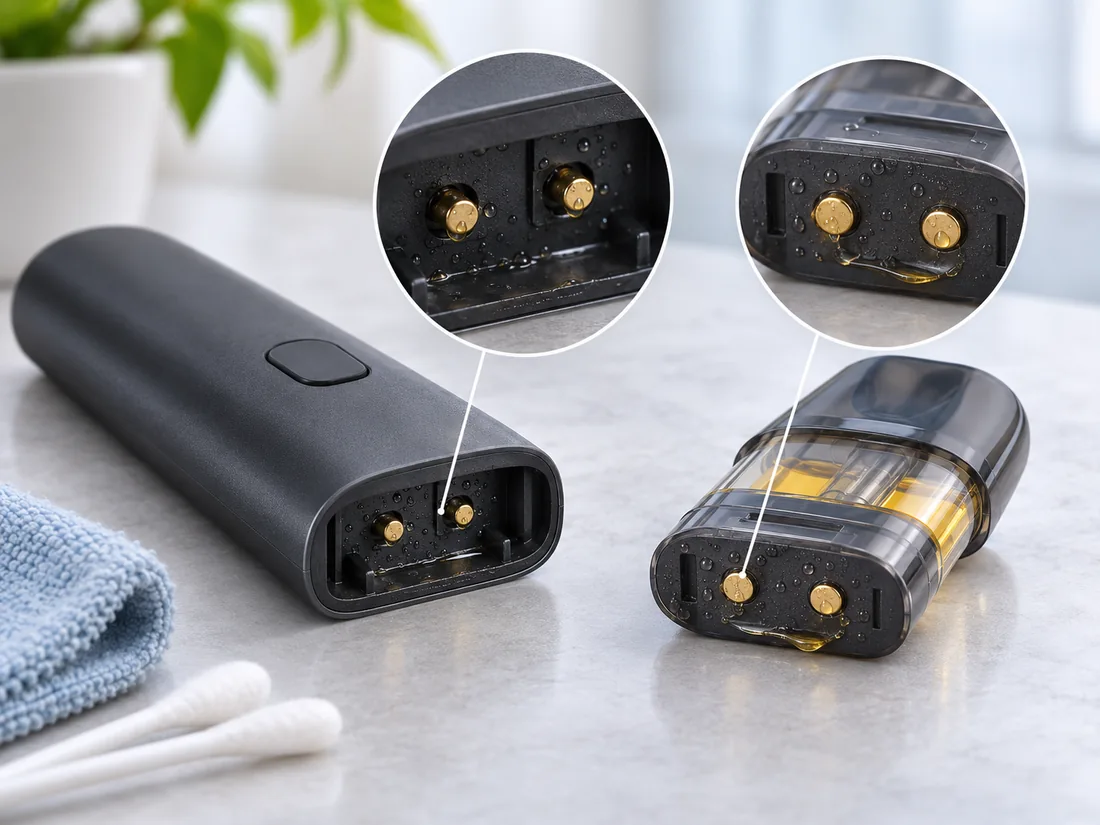
A pod battery and cartridge communicate through electrical contacts. These connections allow the device to detect the coil and supply power to the heating system.
If the connection is interrupted or the coil has an electrical fault, the pod may refuse to operate.
Several situations are possible:
- Condensation or e-liquid has accumulated on the contacts.
- The cartridge has not been fitted properly.
- A replaceable coil has been installed incorrectly.
- The cartridge or its built-in coil is faulty.
- The battery is flat or an electronic component is not working normally.
The diagnosis depends on the model and any error messages it displays.
2. Clean the cartridge contacts
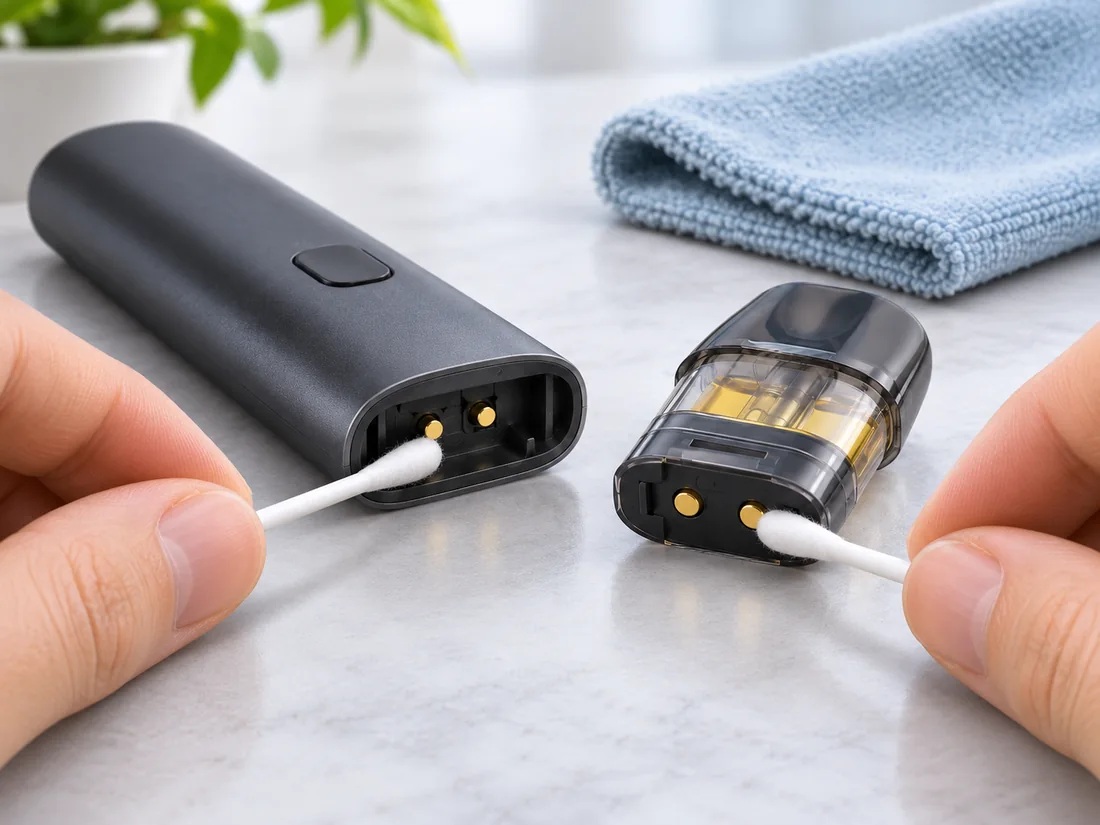
This is one of the first checks to make when a cartridge is no longer detected.
Switch off your electronic cigarette if your model has this function, then remove the cartridge.
Examine the bottom of the cartridge and the accessible contacts inside the pod housing. If you notice condensation or e-liquid residue, gently wipe it away with a dry cotton bud or a soft, lint-free cloth.
Avoid metal objects, cleaning products not intended for this purpose and any handling of internal components.
Make sure the contacts are clean and completely dry before refitting the cartridge.
If liquid has entered the device itself, do not attempt to charge or operate it before it has been checked.
3. Check that the cartridge is fitted correctly
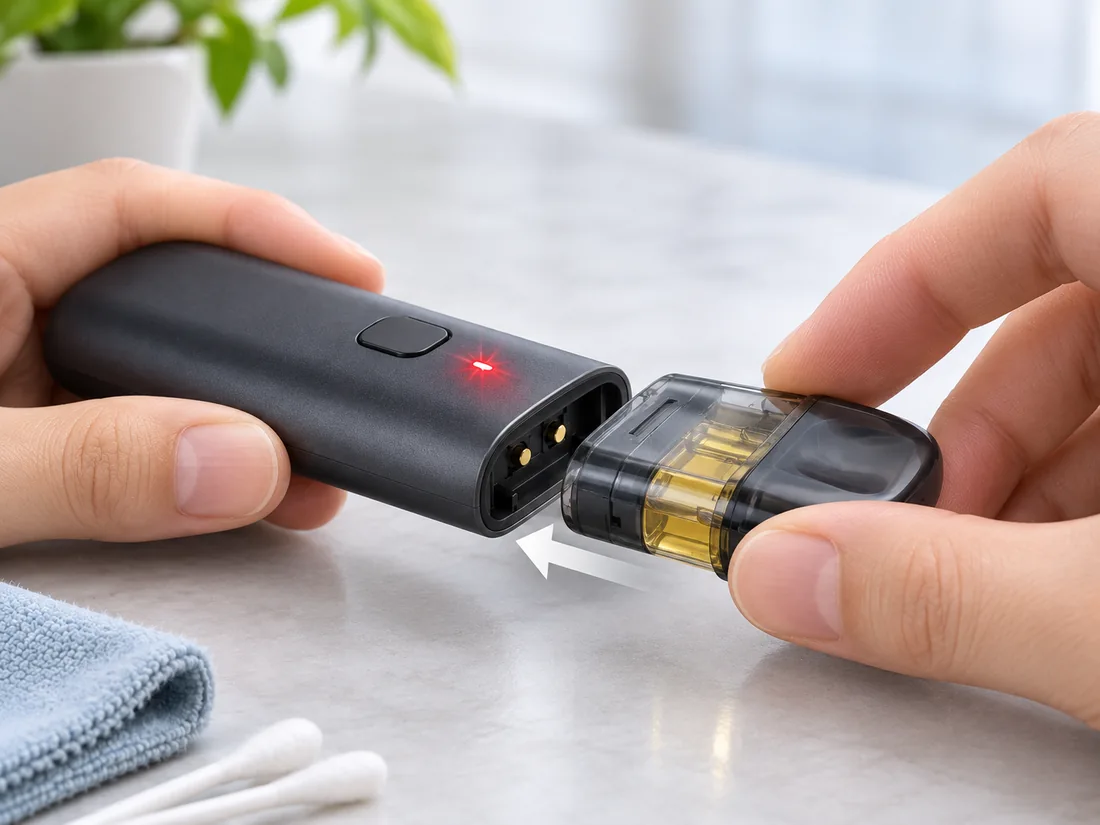
A slightly displaced cartridge can be enough to interrupt the electrical connection.
Remove it, then refit it according to the manufacturer’s instructions. Depending on the model, it may be held in place magnetically or by a clip-in mechanism.
Also check for dust, debris or protective film on the contacts of a new cartridge.
Never force a cartridge that does not fit correctly. Two cartridges that look alike may belong to different device generations and may not be compatible.
4. Why is my pod flashing without producing vapour?
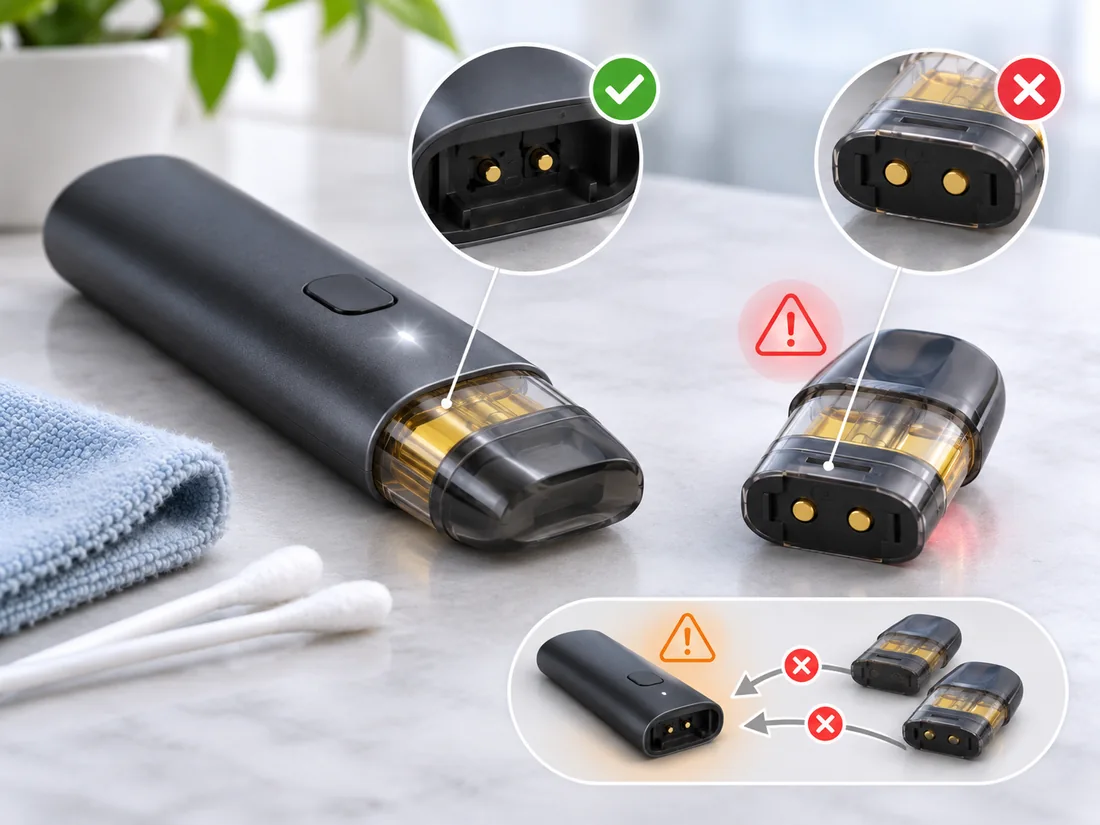
Some pods use indicator lights to signal a fault. Others display a message such as “No Atomizer”, “Check Atomizer” or a coil-related warning.
These alerts may indicate a cartridge detection problem, a battery with insufficient charge or an electronic safety protection.
The number and colour of flashes do not have the same meaning on every model.
Consult your device manual to identify the displayed code.
If the battery is simply flat and the device is in good condition, recharge it according to the manufacturer’s recommendations before trying again.
5. Try another compatible cartridge
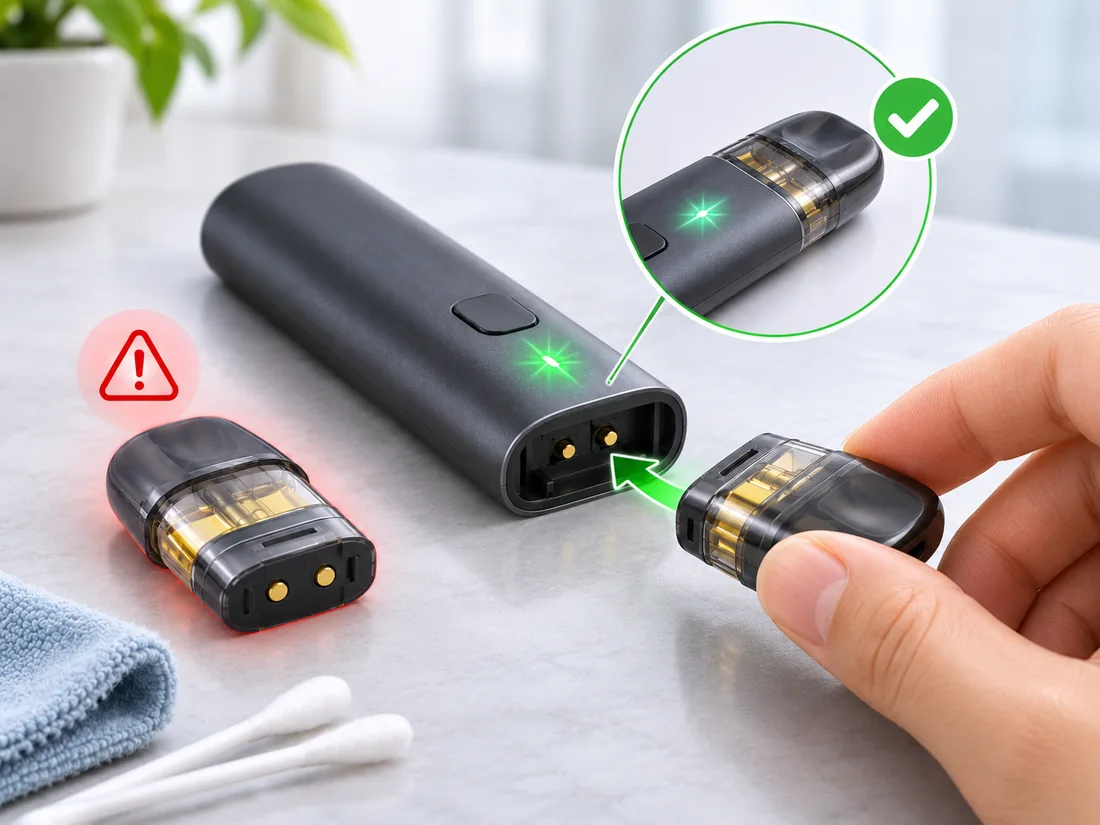
If cleaning and refitting have made no difference, trying another compatible cartridge is a useful next diagnostic step.
If the new cartridge works normally, the problem probably lies with the old cartridge or its electrical connection.
On a model with a replaceable coil, also check that the coil is correctly fitted and in good condition. Replace it if necessary, using the type specified for your pod.
If no compatible cartridge works, the problem may be with the pod contacts or electronics. In that case, it is better to have the device examined than to attempt an improvised repair.
6. When should you replace the cartridge or pod?
A cracked, deformed or electrically damaged cartridge must not continue to be used.
Likewise, a pod that becomes unusually hot, shows visible damage or has suffered substantial liquid ingress should be taken out of use until it has been checked.
Replacing the cartridge may resolve an isolated fault. However, when several compatible cartridges are no longer recognised, the device itself needs to be diagnosed.
To identify a suitable part, browse our range of pod cartridges and check the exact compatibility with your electronic cigarette model.
FAQ – Pod cartridge not recognised
Why is my new cartridge not working?
Check that it matches your exact pod model, that no protective covering remains on its contacts and that it is fitted correctly. A new cartridge may also be faulty.
Why does my pod flash when I inhale?
Flashing may signal a connection fault, a low battery or an electronic safety protection. Its meaning depends on the manufacturer and model.
Can a recessed electrical contact be repaired?
You should not try to lift or move an electrical connector yourself. Incorrect handling could damage the device or cause a short circuit. Have the pod inspected by a professional.
How can I tell whether the cartridge or the battery is at fault?
Try another cartridge with confirmed compatibility. If it works, the first cartridge is probably the cause. If no cartridge works, the pod and its power supply need to be checked.
Can I use a pod if e-liquid has entered the cartridge housing?
A small amount of condensation on accessible contacts can sometimes be wiped away. However, if liquid has entered the electronic section, stop using and charging the device until it has been inspected.