

Post author: Royalcig
Publication date: 20/11/2026
Does the wattage on your vape change without you adjusting it? Smart mode, buttons, coil detection or a fault may be responsible. Here is how to tell.
You set your vape to a particular wattage, then notice that the number of watts has changed. This sometimes happens after replacing a coil, restarting the device or without any obvious action.
A changed reading does not automatically mean the device is faulty. Some box mods and pods have intelligent power settings. In other cases, a button has been pressed or the coil is no longer being detected reliably.
This guide explains how to identify the cause without opening the casing or working on electrical circuits. Exact controls differ by brand and model, so the manufacturer’s manual remains the main reference.
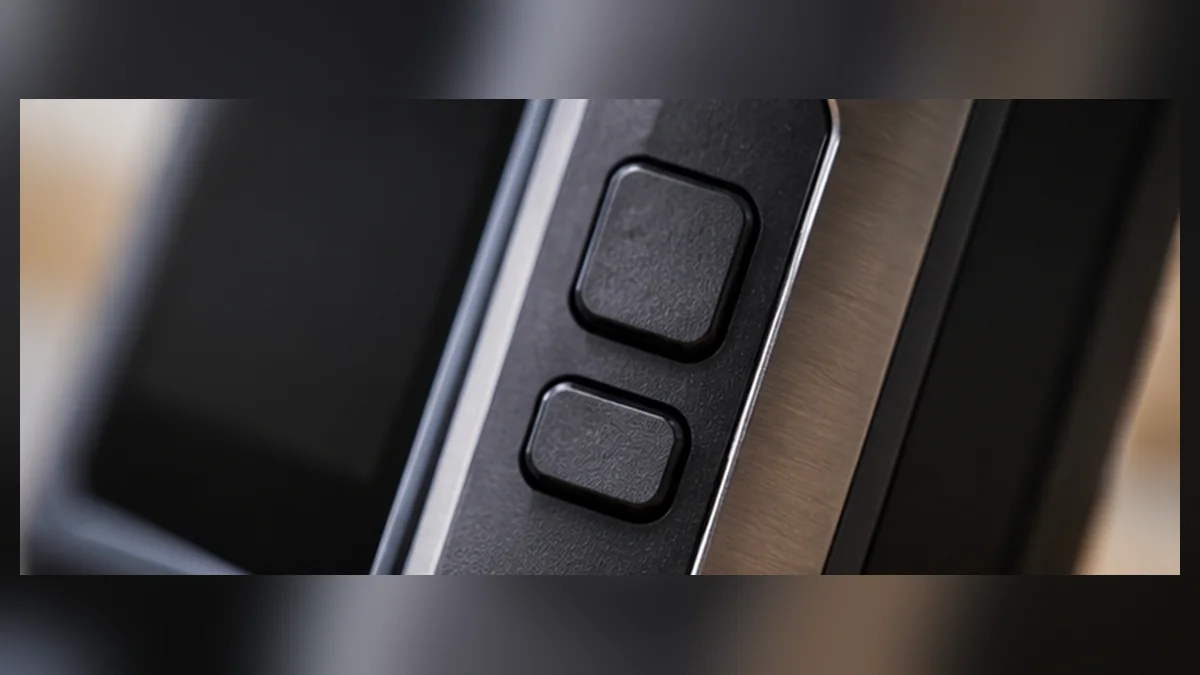
1. Is the wattage really changing, or is it another screen reading?
First, check exactly what is changing: the selected wattage in W, voltage in V, resistance in Ω or a figure displayed only while taking a puff. These readings do not mean the same thing.
- Power in watts (W) shows the setting or delivered power, depending on the mode.
- Resistance in ohms (Ω) is the electrical value measured by the device.
- Voltage in volts (V) and some live operating readings can vary during use without changing the stored wattage setting.
If the numbers move only while the device is firing, check the manual to identify the displayed reading. If the saved W setting has changed when you return to the main screen, continue troubleshooting.
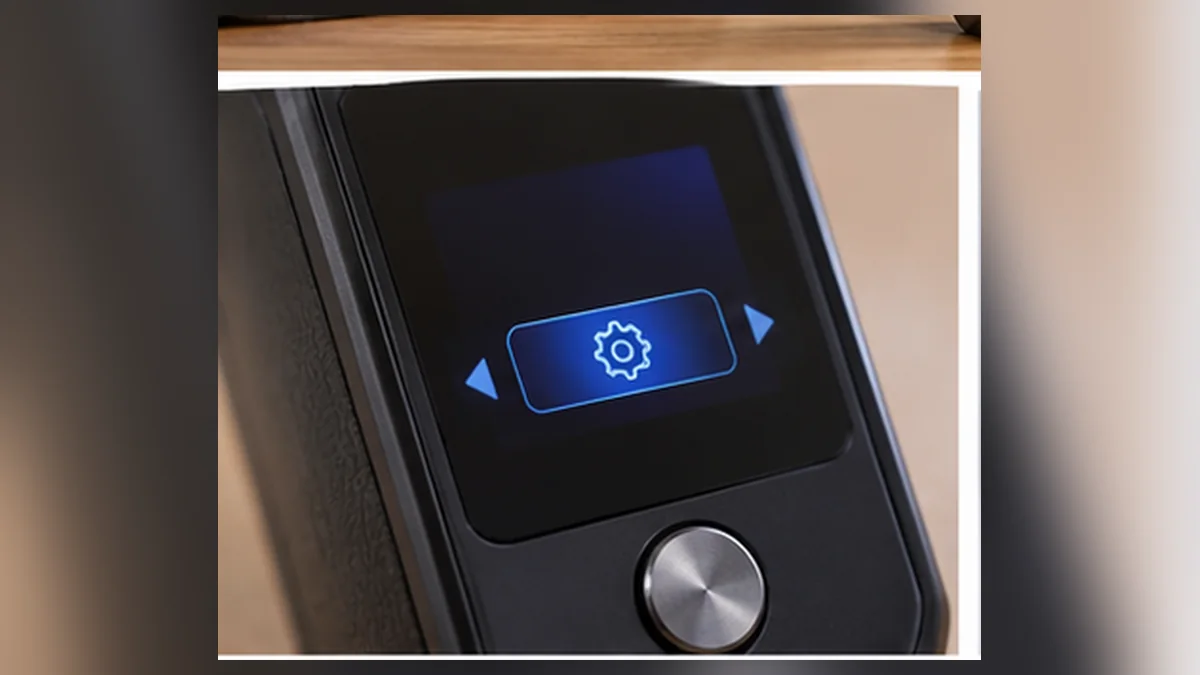
2. Smart mode can adjust power automatically
On some models, Smart or Auto mode detects the fitted coil and suggests, limits or applies a suitable wattage. The setting may therefore change after fitting a new coil or a different pod cartridge.
This feature is documented on various VOOPOO, Geekvape, Vaporesso and Innokin devices. Depending on the model, a mod may remember the last setting for a particular coil resistance, while another may suggest a fresh value each time it detects the coil.
- Check whether the screen shows SMART, AUTO, POWER, VW or another mode.
- See whether the change happens just after removing or refitting the cartridge or tank.
- If your device has a manual wattage mode, consult the manual to learn how it works and which limits still apply.
Never force power above the coil manufacturer’s recommended range. Manual mode does not remove the device’s safety limits.
3. A button may be pressed without you noticing
On a box mod with + and − buttons, an accidental press in a pocket or bag can change the power. A sticking, worn or malfunctioning button can also cause repeated changes.
- Check the buttons with the device off, or in a safe state specified in the manual; make sure they return freely to their normal position.
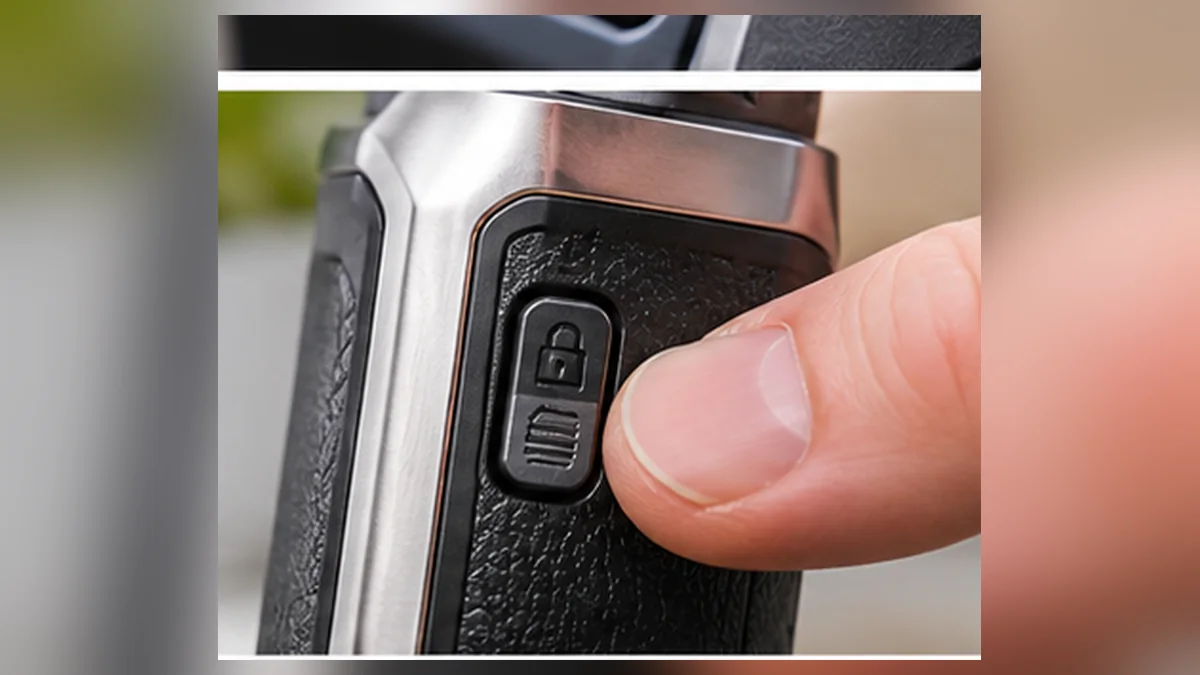
- Enable the settings lock if the model supports it. Screen lock, adjustment-button lock and firing lock can be three different functions.
- Do not carry a switched-on device if its instructions say to switch it off or lock it for transport.
A button combination used by one brand may have a different effect on another model. Do not use a shortcut found online without checking that it applies to your exact device.
4. Unstable coil detection may explain the issue
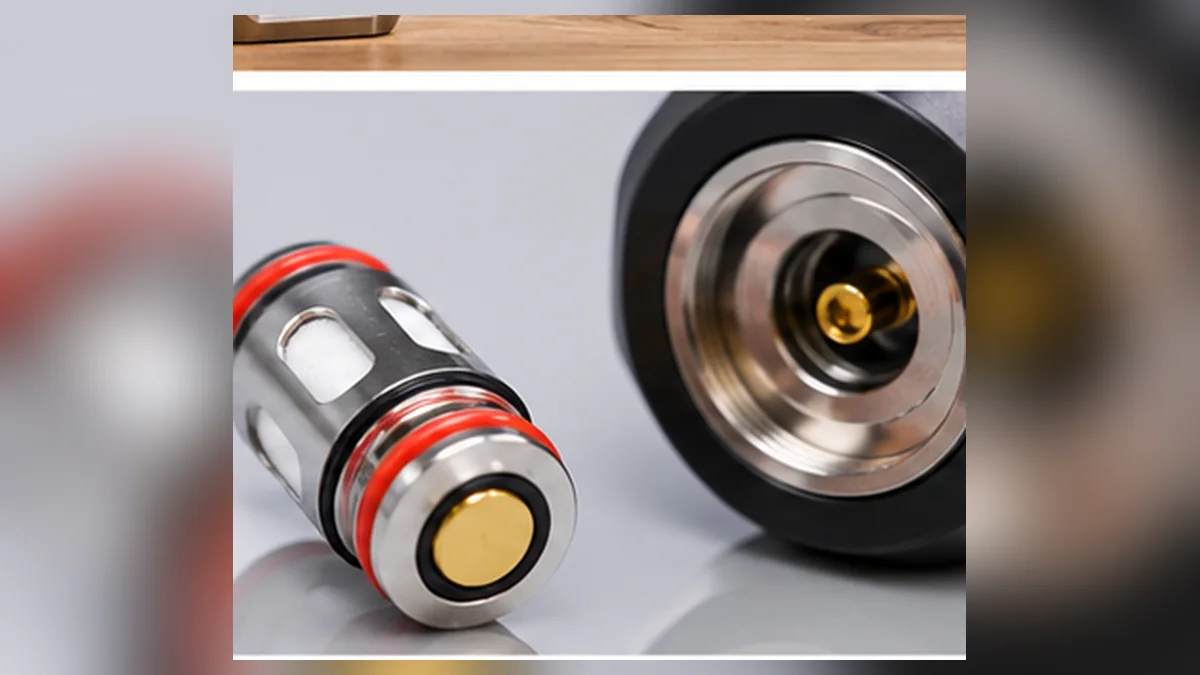
The mod reads coil resistance through the electrical connections between the tank and the device. If that reading changes or becomes intermittent, some devices may recalculate the power in automatic mode.
A poorly seated cartridge, damp or dirty contacts, an incorrectly installed coil or a damaged part can interfere with detection. However, a small change in the ohm reading does not, by itself, prove that the device is faulty.
- Switch the device off if possible and remove only the detachable parts covered by the manual.
- Visually check accessible contacts and wipe away surface condensation with a soft, dry, lint-free cloth.
- Refit the compatible coil or cartridge correctly without overtightening or forcing it.
- If the ohm reading jumps sharply or an error message keeps appearing, stop testing and arrange an inspection.
Never insert metal objects into the contacts or open the casing. If liquid has entered the electronics, do not use or charge the device until it has been checked.
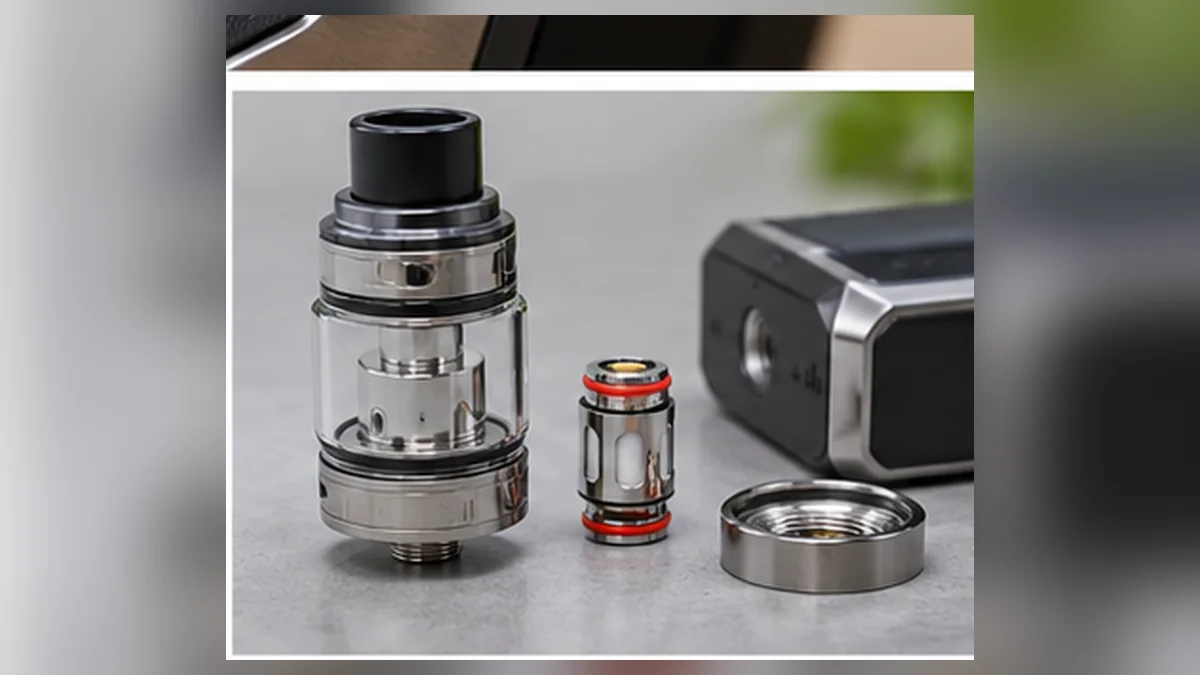
5. ECO, BOOST, curve and temperature modes behave differently
Some devices offer POWER or VW, ECO, BOOST, a custom wattage curve or temperature control. Depending on the manual, these modes can change how power is delivered during a puff.
For example, a custom curve may vary the power throughout firing. Temperature control regulates heating according to specific parameters. A temporary power reading is therefore not the same as a saved setting that has been lost.
Write down the displayed mode before changing anything. If the device has multiple profiles or memory settings, also check that the expected profile is active and that the coil is suitable for that mode.
6. A six-step check without improvised repairs
- Record the exact device model, active mode, selected wattage and displayed resistance in ohms.
- Check whether the change occurs during a puff, after standby, following a restart or after replacing the coil.
- Consult the manual to distinguish saved wattage, automatic adjustment and button locking.
- Inspect the outside of the buttons and accessible contacts, with the device switched off where possible.
- Check the exact coil type and recommended wattage range without exceeding the stated limits.
- If the setting still changes in manual mode with the buttons locked, stop using the device and have it inspected.
Avoid resetting the software or changing the firmware by following a generic tutorial. These procedures are appropriate only when explicitly supported by the manufacturer for that model.
Do not keep firing the device simply to “see whether it happens again”: uncontrolled power can damage the coil or cause overheating.
7. When should you stop using the vape immediately?
A one-off wattage change after fitting a new coil can be normal. However, some situations require you to stop testing.
- The device becomes unusually hot, gives off an unusual smell, becomes deformed or shows visible damage.
- Heating starts without a deliberate button press or puff, or does not stop normally.
- Power changes unpredictably despite the permitted external checks, or the device keeps displaying an error.
In these situations, stop using and charging the device. Do not open the battery or try to bypass electronic protections. Ask the manufacturer or a suitably qualified professional to check it.
For more detail on wattage and resistance, see RoyalCig’s guide to choosing coils. If the problem also affects charging, consult the guide to devices that will no longer charge.
FAQ – Wattage changing on its own
Why does the wattage change when I replace the coil?
In Smart or Auto mode, some devices detect a new resistance value and suggest or apply a different wattage. Check the manual, coil specification and permitted power range.
How can I stop a mod changing wattage in my pocket?
Use the adjustment-button lock or switch the device off as instructed by the manufacturer. Locking the wattage is not always the same as locking the fire button.
Why does power drop during a puff?
Automatic control, a wattage curve or thermal regulation may alter delivered power during a puff. The screen may also show a live reading rather than the saved setting.
Can poor coil detection make the wattage change?
Yes. On some automatic devices, unreliable detection may trigger a new power calculation. Check only accessible connections and stop testing if readings jump sharply or an error persists.
Should I reset my vape?
Not as a first step. Identify the active mode, buttons and coil first. Resetting or updating should be considered only if the official documentation supports it for your model.
Is a vape changing wattage by itself dangerous?
Not necessarily: automatic adjustment can be normal. But unpredictable power combined with unusual heat, damage or unintended firing means you should stop using the device and have it checked.